

 1970-01-01 00:00
If you frequently run into “card binding failed / payment failed / risk control decline” when paying for Facebook/Google/TikTok ad accounts, or subscribing to overseas services like AWS, Shopify, Telegram Premium, X Premium, etc., the root cause is often not your “network environment,” but the mismatch between your payment profile and the card BIN (card segment).
VMCard is built for these cross-border payment scenarios, providing more stable VCC options with multiple BIN choices. You can top up with USDT and spend directly online. (Pay-only: top up + pay; receiving/collection is not supported.)
VMCard is a virtual credit card service for overseas online payments. You create Visa/Mastercard virtual cards on the platform, top up your balance, and use it for online spending and subscriptions.
Typical user groups:
* Ad buyers, teams, and agencies: multi-accounts, multi-cards, and continuous spending across platforms.
* AI/tools subscribers: stable renewals and controllable recurring payments.
* Cross-border e-commerce & “account opening” service providers: store fees, cloud bills, toolchain subscriptions, and high-frequency operational expenses.
* Businesses needing API integration: batch card issuance, balance management, reconciliation, and risk-control collaboration.
In overseas payments, failures are often not because the card is “bad,” but because:
* Merchant risk engines heavily weigh BIN (card segment) vs. transaction scenario fit.
* The same platform can have materially different approval rates across BINs.
* Repeated failures in a short time can escalate your account’s risk score.
VMCard’s key advantage is BIN diversity plus scenario guidance at issuance (e.g., filtering by issuer region/institution, scenario-based BIN recommendations, and checking authorization performance by merchant across BINs).
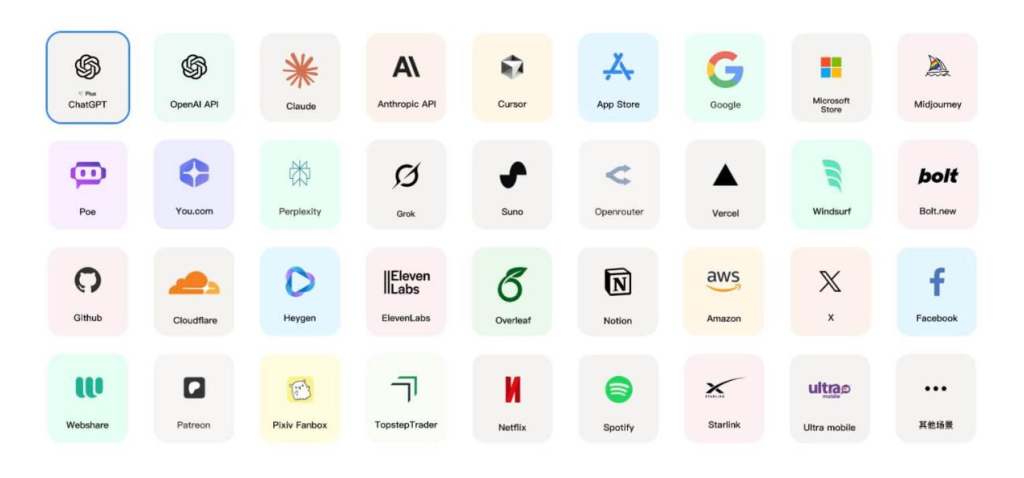
* Ad platforms: Meta/Facebook Ads, Google Ads, TikTok Ads (card binding, pre-authorization, recurring charges)
* Overseas subscriptions: Telegram Premium, X Premium, AI tools, SaaS monthly/annual plans
* Cloud/infrastructure: AWS and other cloud billing & renewals
* E-commerce & store tools: Shopify monthly fees, app/plugin subscriptions, service charges
For platform-specific step-by-step guides, search the official VMCard blog/help content by platform name (e.g., Telegram Premium, Amazon). These guides typically include “how to choose BIN,” “how much buffer balance to keep,” and “how to reduce authorization holds.”
Step 1: Register and prepare your account baseline
Keep region/timezone/language aligned with the target platform’s requirements (region consistency first).
Step 2: Top up your account
After funds arrive in your balance, you can issue cards and pay. Actual posting rules, minimum top-up, risk interception, or returns follow the platform UI/announcements; abnormal deposits may be intercepted.
Step 3: Go to “Card Issuance Options” and filter BIN by scenario
Use scenario-based BIN recommendations or merchant lookup first to reduce trial-and-error.
Step 4: Create the card and manage limits/validity
Best practice: one card for one platform / one purpose. Set sensible limits to avoid profile confusion.
Step 5: Bind the card on the target platform and complete the first payment
Keep extra buffer beyond the order amount to cover authorization holds, fees, and exchange-rate fluctuations.
1. Environment consistency: align account region, IP, timezone, and language with the platform’s expectations.
2. Balance buffer: ad/subscription platforms often place authorization holds; insufficient buffer causes declines or repeated risk triggers.
3. Don’t brute-force retries: frequent retries escalate risk quickly; switch BIN or switch card instead.
4. One-purpose-one-card: don’t mix subscription charges with ad spend on the same card; don’t mix ad spend with e-commerce purchases.
5. Choose BIN by scenario: different BINs can have very different pass rates for the same merchant.
6. Understand transaction types: authorization, clearing/settlement, authorization reversal, refunds—these affect displayed balance and available balance timing.
* The dashboard is the source of truth: issuance fees, top-up fees, and transaction-related charges (e.g., authorization-related fees) depend on the selected card group/BIN and what the UI displays.
* Track balance changes by transaction type: authorization is not the final charge; clearing/settlement is. Reversals/refunds return balance with a processing delay.
Q1: Can VMCard receive money or withdraw as “collections”?
A: No. Receiving/collection is not supported. VMCard is pay-only: top up and spend.
Q2: Why did binding succeed but the payment failed?
A: Most commonly due to merchant risk control or authorization holds. First check: enough buffer balance, no rapid repeated retries, and whether your BIN matches the merchant scenario. Then switch BIN and retry with a new card.
Q3: What do “Authorization / Clearing (Settlement) / Authorization Reversal / Refund” mean?
A: Authorization is a temporary hold; clearing is the final charge. Authorization reversals or refunds return the balance, but there can be timing differences.
Q4: How long does a top-up take to arrive?
A: Usually after on-chain confirmations it posts automatically. If it doesn’t auto-post or gets intercepted, follow the platform prompts and support handling.
Q5: For ad buying, how do I choose a more stable card?
A: Start with merchant/scenario-based BIN recommendations. Keep profile consistency, avoid repeated failures, and use one card per purpose.
Need stable payments for ads/subscriptions/cloud services?
Open the VMCard dashboard, look up recommended BINs by merchant name, then issue and bind—this significantly reduces trial-and-error.
Register: [https://vmcardio.com/]
